Introduction
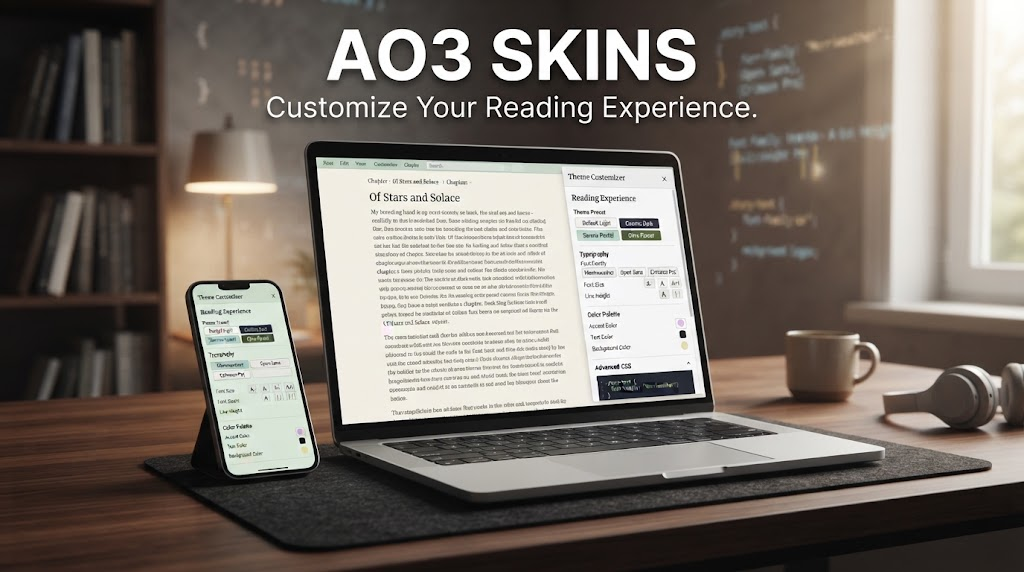
AO3 skins are a popular way for Archive of Our Own users to personalize the appearance of the reading and browsing interface. Instead of being limited to the default AO3 design, users can create or apply custom styles that change colors, fonts, spacing, backgrounds, and other visual elements.
For readers who spend a lot of time exploring fanfiction, AO3 skins can make the website more comfortable and visually appealing. A darker color scheme may be easier on the eyes at night, while a larger font or increased spacing can improve readability.
Understanding how AO3 skins work is useful for both beginners and experienced users. With a little CSS knowledge, users can customize their experience without changing the actual fanworks or account content.
What Are AO3 Skins?
AO3 skins are custom Cascading Style Sheets, commonly known as CSS, that modify how Archive of Our Own pages look in a web browser. They are primarily designed for visual customization rather than changing the underlying functionality of the website.
An AO3 skin can alter the site’s color palette, typography, page spacing, button appearance, borders, and other interface elements. Some skins are designed around a particular aesthetic, while others focus on accessibility and readability.
AO3 also provides a system for creating and managing custom skins through account settings. This makes AO3 skins a built-in customization feature rather than an unofficial browser modification.
Why Do People Use AO3 Skins?
One of the biggest reasons people use AO3 skins is comfort. Reading long fanfiction chapters on a bright white interface can be tiring, especially in low-light environments.
A dark or muted skin can create a softer visual experience. Users can also adjust font sizes, line spacing, and contrast to make long passages easier to read.
Another advantage is personalization. Someone might prefer minimalist colors, pastel tones, a high-contrast interface, or a design inspired by a favorite aesthetic. AO3 skins allow readers to make the platform feel more personal while retaining its familiar structure.
Popular Types of AO3 Skins
Dark AO3 Skins
Dark themes are among the most searched-for AO3 skins because they provide a darker background with lighter text. They can be especially attractive to users who frequently read at night.
A well-designed dark skin should maintain sufficient contrast between the text and background. Extremely low contrast may look stylish but can make long reading sessions difficult.
Minimalist Skins
Minimalist AO3 skins reduce visual distractions by using simple colors, clean typography, and restrained interface elements.
This style can be particularly useful for readers who want the page to feel focused primarily on the story rather than menus and navigation controls.
Pastel and Aesthetic Skins
Pastel AO3 skins are popular among users who want a softer, more colorful appearance. These designs can incorporate gentle pinks, blues, purples, greens, or other muted shades.
The important thing is to preserve readability. Decorative colors should not make links, headings, or body text difficult to distinguish.
Accessibility-Focused Skins
Some AO3 skins are created primarily to improve accessibility. They may increase font size, strengthen contrast, adjust spacing, or simplify visual elements.
Accessibility customization can be especially valuable for readers who find small text or crowded layouts uncomfortable. A good accessibility-oriented skin should prioritize clarity over decoration.
How to Create AO3 Skins
Creating AO3 skins requires some familiarity with CSS, but basic customization does not necessarily require advanced programming knowledge.
CSS controls how elements on a webpage are displayed. For example, a stylesheet can specify background colors, text colors, font sizes, margins, and other visual properties.
On AO3, users can access the skin management area through their account settings. From there, they can create a new custom skin and add CSS rules that modify the appearance of supported pages.
Before applying complicated changes, it is sensible to make small adjustments and preview the result. This makes it easier to identify which CSS rule is responsible if something does not appear as expected.
Understanding CSS for AO3 Skins
To work effectively with AO3 skins, it helps to understand a few basic CSS concepts.
A CSS rule generally targets an element and assigns visual properties to it. For example, a rule might change the background color of a page or adjust the size of text.
Users do not need to become professional web developers to experiment with AO3 customization. Learning concepts such as selectors, properties, values, margins, padding, colors, and font sizes can provide a strong foundation.
However, CSS changes should be tested carefully because an overly broad selector can unintentionally affect multiple parts of the interface.
Using Existing AO3 Skins
Not everyone wants to write CSS from scratch. Fortunately, users can find existing AO3 skins created by other members of the community.
When using a community-created skin, it is important to understand what the CSS changes are intended to do. A complicated stylesheet can contain many rules, making troubleshooting difficult if something goes wrong.
Users should also remember that third-party code should be approached carefully. If a skin includes unusual instructions, external scripts, or requests for sensitive account information, it is better to avoid it.
AO3’s own customization documentation is the most reliable starting point for understanding how its skin system works.
AO3 Skins and Mobile Reading
AO3 skins can also affect the reading experience on mobile devices. A design that looks excellent on a large desktop monitor may not necessarily work well on a narrow smartphone screen.
Responsive design matters because mobile screens have limited space. Excessive margins, oversized headings, or decorative elements can make navigation less convenient.
When creating mobile-friendly AO3 skins, users should pay particular attention to text size, spacing, buttons, menus, and the width of reading areas.
Troubleshooting AO3 Skins
Sometimes AO3 skins do not appear exactly as expected. This can happen because of conflicting CSS rules, incorrect selectors, missing punctuation, or changes to the site’s interface.
If a customization suddenly stops working, checking the CSS carefully is a useful first step. Removing recent changes can also help identify the problematic rule.
It is helpful to keep a backup copy of a working skin before making major modifications. That way, users can restore the previous version if an experiment produces an undesirable result.
Are AO3 Skins Safe?
Official AO3 skins are simply a customization mechanism for the site’s appearance. However, users should distinguish between AO3’s built-in skin system and unrelated browser extensions or websites claiming to provide special AO3 themes.
A legitimate skin should not require a user to provide a password, payment information, or other sensitive account details.
For the safest experience, users should use AO3’s official customization features and be cautious with unfamiliar downloads or external services.
How to Choose the Right AO3 Skin
Choosing the best AO3 skins ultimately depends on how and when you read. Someone who reads primarily at night may prefer a dark theme, while another reader may value high contrast and larger text.
Color preferences are important, but readability should come first. A beautiful design is not useful if paragraphs are difficult to distinguish or navigation elements become confusing.
It is also worth considering how the skin looks across different devices. Testing a theme on both desktop and mobile can reveal problems that may not be obvious on a single screen.
Conclusion
AO3 skins provide a flexible way to personalize the Archive of Our Own reading experience. From dark themes and minimalist designs to accessibility-focused layouts, custom CSS can transform the appearance of the platform without changing its core purpose.
The best AO3 skins balance style with usability. Good contrast, readable typography, sensible spacing, and mobile-friendly design can make long reading sessions more comfortable.
Whether you create a custom theme yourself or use an existing design, AO3’s skin system gives readers plenty of room to make the interface better suited to their personal preferences.
FAQs About AO3 Skins
What are AO3 skins?
AO3 skins are custom stylesheets that change the visual appearance of Archive of Our Own pages, including colors, fonts, spacing, and other design elements.
Are AO3 skins free?
Yes. AO3’s built-in skin customization system can be used without purchasing a separate theme.
Can I create my own AO3 skin?
Yes. Users with basic CSS knowledge can create custom skins through AO3’s skin management features.
Do AO3 skins work on mobile?
They can. However, some custom designs may not display well on smaller screens, so mobile compatibility should be tested.
Are custom AO3 skins safe?
AO3’s built-in skin system is intended for visual customization. Be cautious with unrelated downloads, extensions, or websites that request passwords or other sensitive information.
more blog